
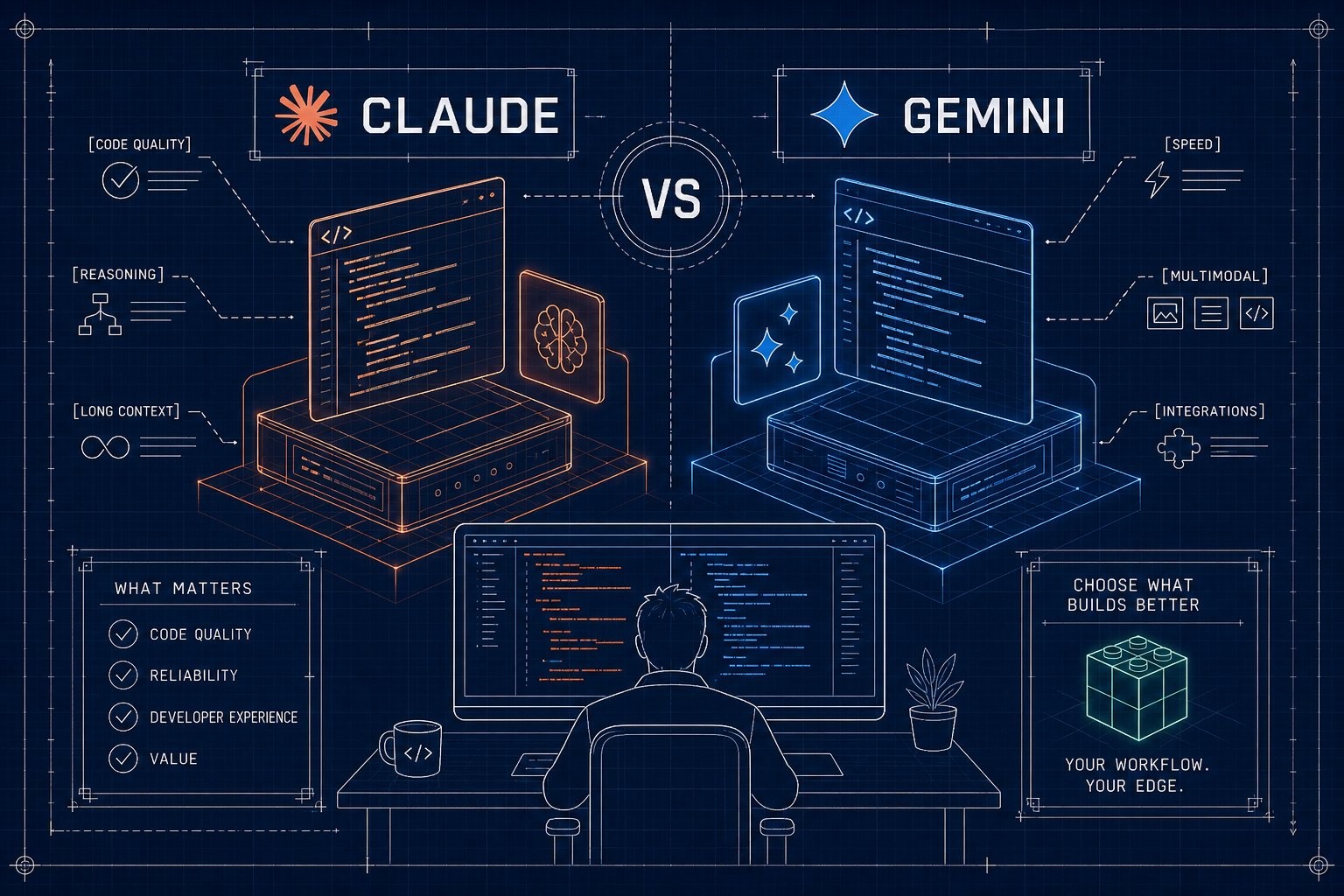
At Claudinhos, we ran identical prompts and tasks on Claude Sonnet 4 and Gemini 2.5 Pro for several weeks, covering real developer workloads: GitHub issues, multi-file refactors, debugging sessions, and production API flows. We recorded task completion rates, intervention counts, elapsed time, and token costs across each run. This write-up is the result of those trials, and if you have been asking yourself “claude vs gemini which is better for developers,” this is the data-driven answer you have been looking for.
This is not a “both models are great” developer AI assistant review. There is a measurable performance gap, and it matters when a model touches your codebase every day. By the end, you will have a concrete decision framework you can apply to your specific workflow this week.
1. Code generation accuracy: what the benchmarks actually show
On SWE-Bench Verified, which measures real GitHub issue resolution rather than toy problems or isolated snippets, Claude Sonnet 4 scores 72.7% while Gemini 2.5 Pro lands at 63.2% (SWE-Bench leaderboard snapshot, May 2026). The 9.5-point gap is not cosmetic. It compounds across thousands of interactions in a production repository, making this the most important data point in any Claude vs Gemini comparison for developers.
What task completion numbers reveal
In our head-to-head execution tests, Claude finished 100% of assigned tasks while Gemini finished 65%. Claude completed the same representative task in roughly 6 minutes; Gemini took 17 minutes. Gemini also required three or more manual interventions to get unstuck, compared to one for Claude. If you are building agentic or autonomous flows, those gaps translate directly into engineering time and API spend.
Where Gemini narrows the gap
Gemini 2.5 Pro is stronger on math-heavy reasoning and multi-step logic, reflected in AIME 2025 benchmark results around 83%. If your workload tilts toward numerical analysis, scientific computation, or formal proofs rather than software engineering tasks, Gemini becomes genuinely competitive. For general coding work, though, the SWE-Bench gap holds.
How Claude Sonnet 4 handles complex refactors
Claude follows instructions tightly and keeps scope contained. When we asked for changes across two files, Claude stayed within those files. Gemini modified four files and introduced scope creep that added review overhead. In multi-file refactors, unnecessary edits mean extra pull request churn and eroded trust in the model's output, Claude's discipline showed up consistently across our sessions.
2. Context window capabilities in real coding sessions
Context size matters when you work across large repos, multi-file traces, and long error logs. Raw window size is not the full story, though. You need the model to reliably use that context rather than quietly ignore it as the window fills.
Claude's 1M token window on newer models
Claude Opus 4.6 and Sonnet 4.6 offer a 1M token window with flat-rate pricing as of March 2026. Effective usable capacity sits around 830K tokens after compaction thresholds and output buffers are accounted for. On the MRCR v2 recall benchmark, a retrieval test that measures whether a model can accurately surface specific facts from deep inside a long context, Claude holds 78.3% recall across the full window with less than 5% degradation. Long context is usable, not just a marketing figure, see Claude's context windows documentation for implementation details and constraints.
How Gemini's extended context compares in practice
Gemini variants offer 1M to 2M token windows, which is a real benefit for ingesting very large legacy codebases, full design documents, and historical issues in a single call. Keep in mind that a bigger window only helps if retrieval quality and instruction following are strong. Retrieval accuracy, not raw capacity, decides whether you get a correct edit or a noisy diff.
Token consumption patterns developers actually see
- Deep debugging across 15 files can burn 100,000+ tokens in under 30 minutes.
- Medium monorepos with docs and traces can push 750,000 tokens of context.
- Plan for a window at 1.5x your steady-state needs, then chunk or retrieve for the rest.
3. API cost and latency for production workloads
Cost is the most common reason teams reach for Gemini over Claude. The gap is real, and developers deserve the numbers stated plainly. For small prompts at the Pro tier, observed latency is broadly similar between the two. For large generations and multi-file refactors, total elapsed time is shaped more by retries and manual interventions than by raw token-per-second throughput, which is why task completion rate is the more useful production metric.
Breaking down the actual pricing gap
Claude Sonnet 4.6 runs at $3.00 per million input tokens and $15.00 per million output tokens. Gemini 2.5 Flash is $0.30 input and $2.50 output, roughly 10x cheaper on input and 6x cheaper on output. Some Flash tiers drop as low as $0.15 per million input tokens, a 20x difference. For high-volume, lower-stakes tasks like comment generation or scaffolding, that price gap dominates the decision. For a detailed comparison of per-model API costs and common billing tradeoffs, see this LLM API cost breakdown.
When Claude's higher cost pays for itself
Claude's higher task completion rate means fewer retries, fewer manual corrections, and less token burn on failed attempts. In agentic workflows where the model operates unsupervised, a 35% task failure rate multiplies costs quickly. Across our trial runs, total cost of result, token spend plus human intervention time plus rework, favored Claude for complex, high-stakes tasks. The math on outcomes often looks different from the math on price per token alone.
Caching and batch APIs for cost optimization
Both providers offer substantial savings through caching and batch processing. Cached input tokens can see up to 90% cost reduction, and batch APIs often cut costs by around 50% for asynchronous jobs. Keep system prompts stable, standardize retrieved chunks, and deduplicate shared context across calls. This design closes much of the raw price gap in production and makes Claude more accessible at scale.
4. Developer tooling and integration ergonomics
A slightly weaker model with superior tooling can outperform a stronger model that is hard to integrate. The surface area that matters is the CLI, IDE extension, SDK design, and CI/CD fit, tools that bend to your workflow rather than forcing you to adapt to them.
Claude Code's CLI and SDK ecosystem
Claude Code runs natively in the terminal with a full feature set, ships a VS Code extension, and exposes a focused SDK with query() and session() methods for orchestration. MCP (Model Context Protocol) support lets you wire Claude into Linear, Notion, GitHub Actions, and internal APIs. Scheduled automation and data pipeline scenarios are treated as first-class use cases, not afterthoughts.
Gemini's Google ecosystem advantage
Gemini for developers integrates smoothly when your team already lives in Google's ecosystem. Android Studio, Google Colab, Firebase, and GCP projects connect with low setup friction. The Gemini Code Assist extensions for VS Code and JetBrains cover chat, generation, and completions. For teams already running on GCP, the integration path is fast to adopt, though it offers less flexibility outside Google's stack.
SDK quality and what actually breaks during integration
Research on AI coding tools finds that a significant share of production bugs, around 37% in some analyses, trace back to API and integration errors rather than model output quality. Build LLM orchestration like any other production dependency: retries, timeouts, telemetry, and version pinning. Claude's MCP server support is a meaningful ergonomic differentiator for multi-tool pipelines because it lets you define capability boundaries explicitly rather than stitching together one-off glue code.
5. Failure modes you will actually hit in production
This is the most underreported part of any LLM code assistant benchmark. Best-case benchmarks showcase peak performance; production reveals failure modes. Treat the following as direct inputs to your reliability plan.
Gemini's hallucination problem at scale
Third-party evaluations of newer Gemini model generations (Gemini 3 Pro and Gemini 3 Flash, tested separately from Gemini 2.5 Pro) have reported hallucination rates around 88% and 91% respectively, while comparable Claude tiers tested in the same evaluations showed rates closer to 25, 26%. Note these figures apply to the Gemini 3.x generation and should not be directly mapped to Gemini 2.5 Pro; treat them as directional signals about reliability trends rather than precise apples-to-apples numbers for the models compared elsewhere in this article. We also tracked reports of Gemini API 503 error spikes approaching 45% during periods of high load in late 2025 and early 2026. These are not edge cases, they demand stronger output verification layers if you choose Gemini for production flows.
Claude's functional bugs and compatibility issues
Claude is not without issues. Quiet capability shifts after model launches have introduced session-to-session variability that can feel like unexpected behavior changes. Analyses of AI coding tool bug reports attribute roughly 67% of issues to functionality problems and around 37% to integration mistakes. We encountered environment compatibility issues in Claude Code, Node.js version mismatches on Ubuntu, for instance, but planning mode helped the agent recover in cases where Gemini often stalled.
What these failure modes mean for your architecture
Design for failure regardless of which model you use. Add retry logic, schema validation, and human checkpoints to any agentic flow. Gemini's reliability profile pushes you toward stronger output verification, typed interfaces, and strict diff checks. Claude's environment quirks push you toward tighter containerization, version pinning, and deterministic toolchains with clear observability. Neither model is plug-and-play in production.
6. Claude vs Gemini: which is better for your specific workflow?
Here is the decision framework, built from the tradeoffs we measured. It is practical guidance you can apply this week, not a hedge in both directions.
When Claude is the right choice
- Complex multi-file refactoring where scope discipline and instruction adherence matter.
- Production agentic workflows that must finish without constant supervision.
- Code generation where accuracy compounds across a large, long-lived codebase.
- Debugging sessions that depend on deep context recall and long execution traces.
- Any task where a wrong output causes downstream damage or on-call pain.
If you are building with Claude's API and want to go deeper, Claudinhos publishes reproducible experiments, prompt patterns, and architecture guides for production Claude deployments, written for developers who need their AI pair programmer to actually ship. For a side-by-side developer-focused write-up, see this Claude Sonnet 4 vs Gemini 2.5 Pro coding comparison.
When Gemini makes more sense
- High-volume, low-stakes generation where Flash's price advantage clearly dominates.
- Google Cloud Platform-native projects and teams embedded in Google tooling.
- Math-heavy or reasoning-intensive work outside typical software engineering.
- Short-lived tasks where minor inaccuracies carry low downstream risk.
Avoid paying Claude prices for tasks that sit comfortably in Gemini's strength zone. Use the right tier for the job and reserve your budget for the edits that must be correct.
A practical hybrid approach
Route critical refactors, planning sessions, and bug fixes to Claude. Send formatting passes, docstrings, and simple scaffolding to Gemini Flash. Apply caching and batch APIs on both sides. Your monthly bill drops while quality holds where it counts.
Conclusion: claude vs gemini, which is better for developers?
The answer is not the same for every team, but the evidence is clear for production coding: Claude leads on accuracy, reliability, scope discipline, and instruction adherence. Gemini's Flash tier delivers real cost savings and a smoother Google ecosystem story. Its hallucination rates and task completion gaps, however, are too significant to ignore for high-stakes workflows. Match the model to the risk profile of the task in front of you.
The headline numbers worth keeping: SWE-Bench Verified (May 2026 leaderboard) puts Claude Sonnet 4 at 72.7% and Gemini 2.5 Pro at 63.2%. In our execution runs, Claude finished 100% of tasks in about 6 minutes with one intervention; Gemini finished 65% in 17 minutes with three or more interventions. For developers still weighing claude vs gemini and which is better for their workflow, the honest breakdown is this: Claude for production-grade coding, Gemini Flash for cost-sensitive volume tasks, and a hybrid routing layer when you need both.
Want hands-on Claude patterns you can drop into your stack today? Subscribe to Claudinhos, tsunode x Claude Blog. We publish deep benchmarks, behavioral notes, and deployment checklists so your AI pair programmer actually ships.